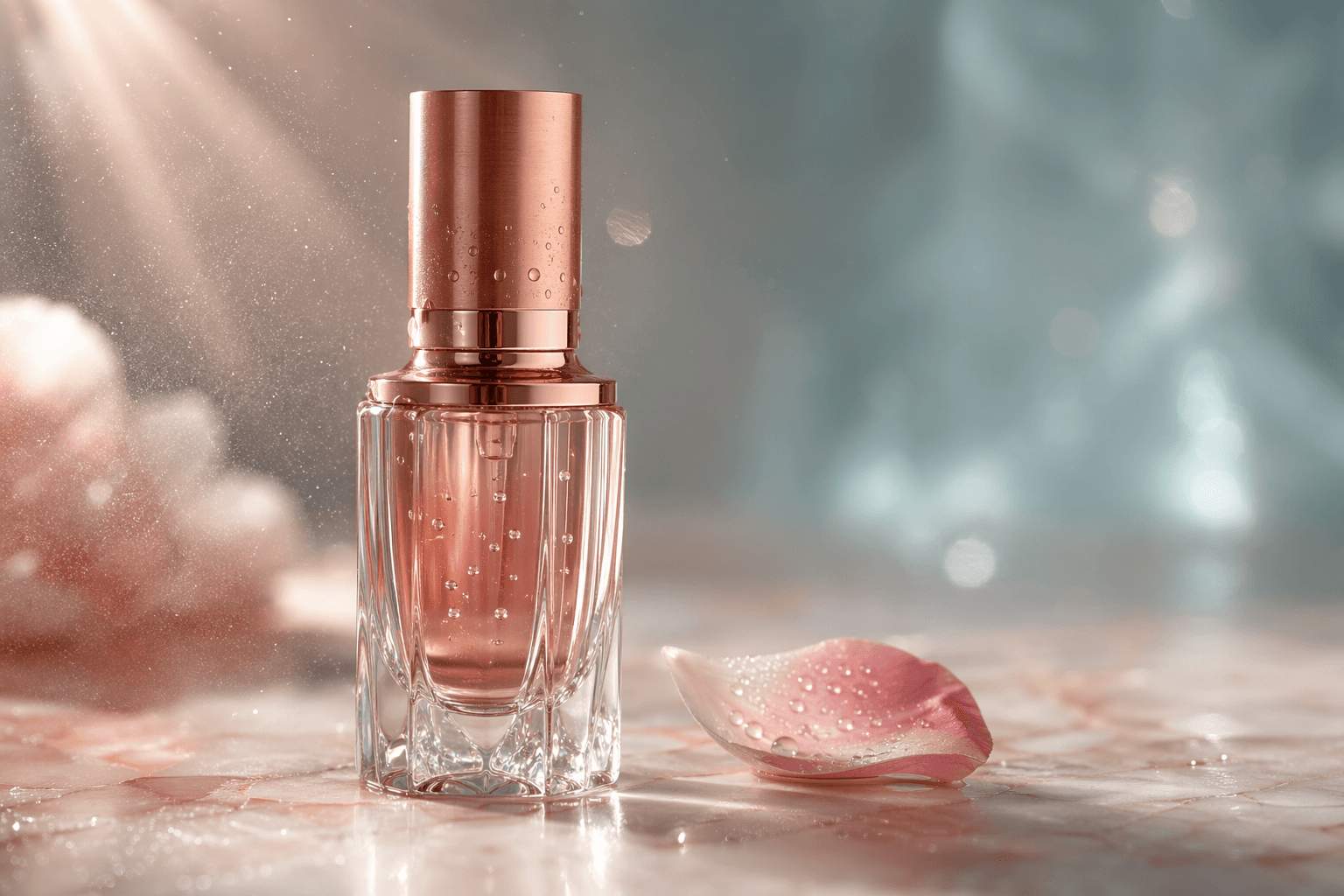
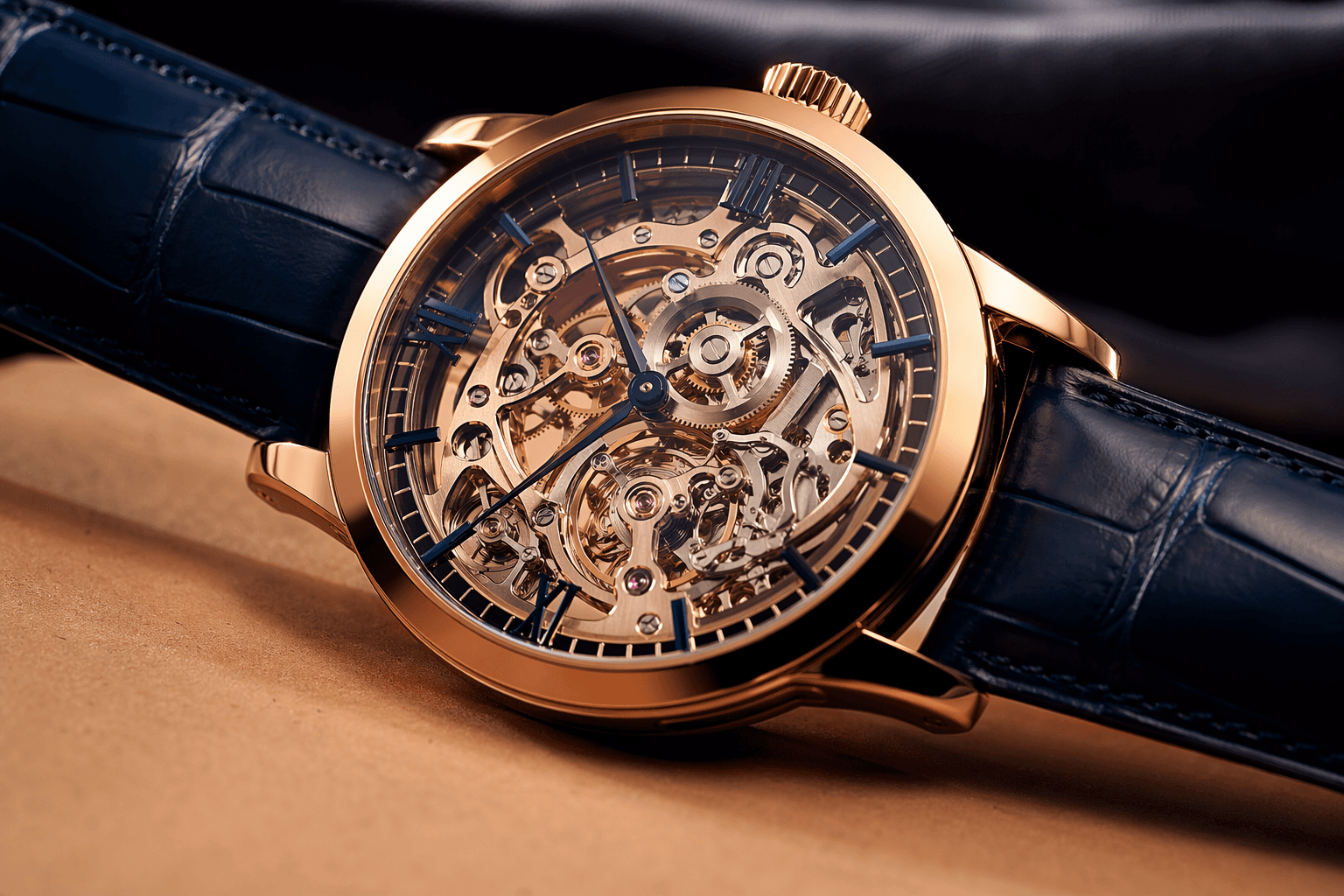
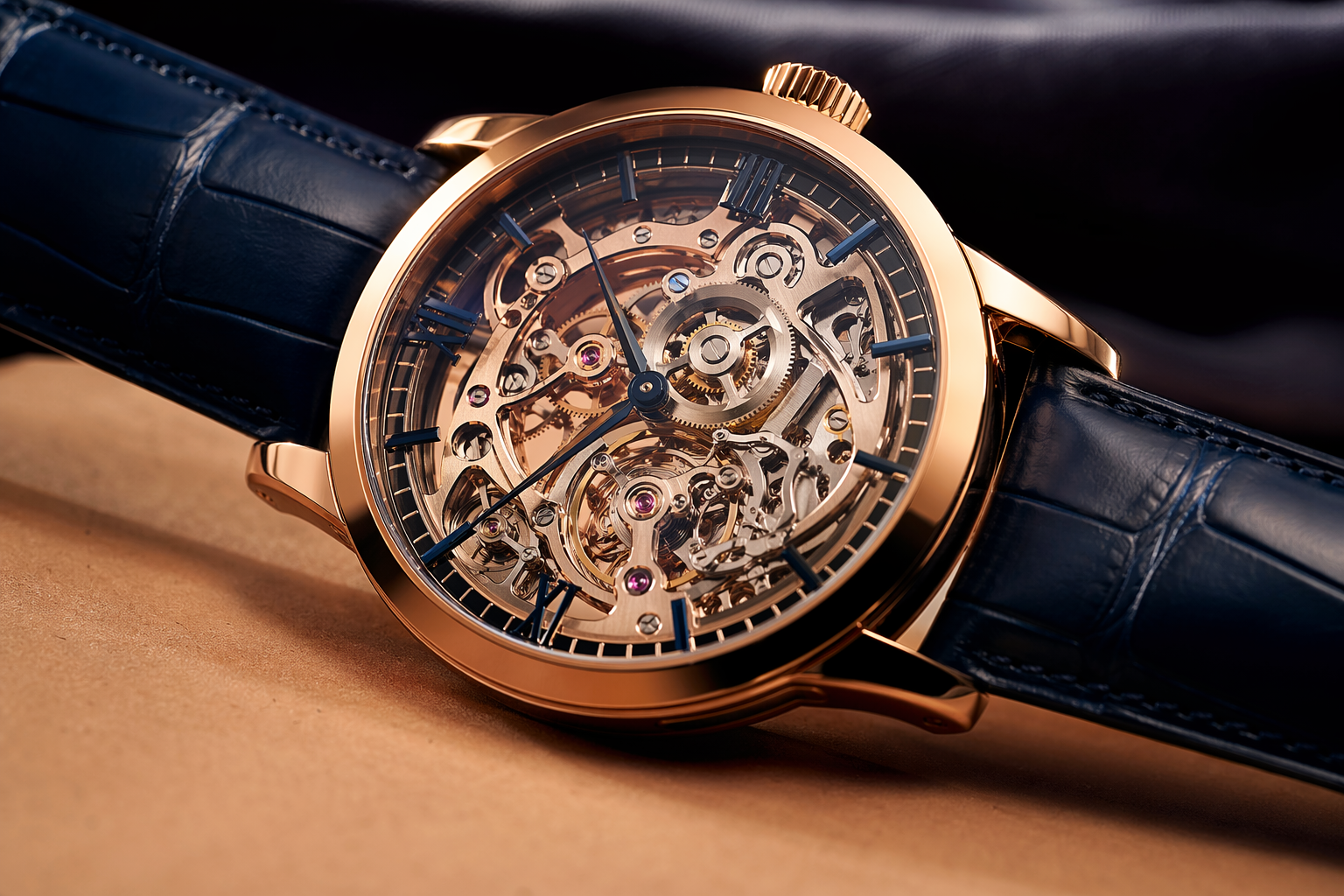
In 2026, an ad creative on Meta or TikTok has less than 1.5 seconds to grab attention. A recent Statista — Digital Advertising study shows that 72% of e-commerce purchasing decisions are directly influenced by the quality of the product visual. In this environment, AI image generators like GPT-Image 2, Nano Banana 2, or Midjourney v7 are no longer gadgets, but core production tools. Yet, most marketers are only tapping into 10% of their potential.
The fundamental mistake is believing the magic lies in the model. It doesn't. The quality of an AI-generated visual depends 90% on the quality of the prompt. A naive, one-line prompt will yield a generic, often professionally unusable result. A structured, detailed prompt, on the other hand, can produce a magazine-quality visual, ready to be deployed in a campaign without any retouching.
This practical guide is designed for marketing teams, e-commerce store owners, and agencies. Forget abstract theory. We're going to dissect the structure of a professional prompt for GPT-Image 2 and give you copy-paste formulas to generate photorealistic visuals that don't just impress—they convert.
The Universal Formula for a High-Quality GPT-Image 2 Prompt
To stand out, a prompt shouldn't be a simple sentence, but a structured creative brief. Think of it as briefing a studio photographer. The best approach is to break your request down into 6 logical blocks. This method forces precision and ensures the AI has all the necessary information.
The 6 fundamental blocks are:
- 1. Subject: The main element of the image. Be ultra-specific.
a perfume bottleis weak.a cubic frosted glass perfume bottle with an oak wood capis strong. - 2. Framing & Composition: How is the subject being photographed?
Close-up,medium shot,high-angle shot,low-angle shot,rule of thirds. Mention the lens:shot on 85mm f/1.4for a portrait with a beautiful background blur. - 3. Lighting: The most crucial element for photorealism.
soft natural window light,golden hour,three-point studio lighting,cinematic backlight (rim light). - 4. Mood & Style: The emotion and art direction.
moody and cinematic atmosphere,editorial style like Kinfolk magazine,minimalist and clean aesthetic like an Apple ad. - 5. Materials & Details: The textures that make the image tangible.
brushed metal,raw concrete,grained leather,glass with micro-scratches. This is what fools the human eye. - 6. Technical Parameters: The format and quality.
16:9 cinematic aspect ratio,9:16 for an Instagram story,8k ultra-detailed,vibrant and saturated colors.
Here is a concrete example for a high-end sneaker visual:
Photorealistic product shot of a single high-end minimalist sneaker, placed on a raw concrete block.

// CAMERA & FRAMING
Shot on 50mm f/2.8 lens, medium close-up, eye-level view, following the rule of thirds. Shallow depth of field with the background softly blurred.

// LIGHTING
Dramatic studio lighting with a single hard key light from the top right, creating sharp, defined shadows. A soft fill light from the left prevents shadows from being too dark. Cinematic, high-contrast mood.

// MATERIALS & DETAILS
Sneaker made of premium white Italian leather with visible grain, a suede light-grey accent on the heel, and a translucent gum sole. Subtle dust particles floating in the air, caught by the light.

// STYLE & MOOD
Editorial style, minimalist, premium, and clean. Inspired by high-fashion magazines like Hypebeast. Color palette is monochromatic with shades of grey, white, and a touch of warm cream.

// NEGATIVES
Negative prompt: no people, no logos, no text, no distracting elements in the background, no plastic look, no over-exposure.
The 7 Ingredients That Turn a Basic Prompt into a Pro Prompt
Moving from a mediocre result to a photorealistic ad visual comes down to adding a few key modifiers. Think of them as spices: they bring out the flavor of your idea. Here are 7 ingredients to systematically include.
| Criterion | Naive prompt | Pro prompt |
|---|---|---|
| Length | 1 sentence, 10 words | 8-12 structured lines |
| Framing | photo of... | Close-up shot, shot on 85mm f/1.4 |
| Lighting | good lighting | Golden hour, cinematic rim light |
| Materials | a wooden table | untreated light oak table, visible grain |
| Negatives | none | Negative: no text, no blur, no plastic |
- 1. Cinematic Framing: Don't say
photo of, sayExtreme close-up,Waist shot,Top-down shot. Specify the lens to control the depth of field:85mm f/1.4 lenscreates a beautiful background blur, perfect for isolating a product. - 2. The Language of Light:
Natural lightis too vague. Be specific:Soft, diffused light from a studio softbox,dramatic morning light (golden hour),cinematic backlight creating a halo (rim light). - 3. Precise Textures: The difference between fake and real. Instead of
metal, writeanodized brushed aluminum. Instead ofpaper,matte cardstock with a subtle texture. - 4. Brand Mood: Provide a style reference.
Editorial magazine style,Kinfolk-inspired aesthetic,minimalist and techy Apple-like vibe. This guides the AI on composition, colors, and post-processing. - 5. The Color Palette (Hex): For total control, specify hex codes.
Color palette: cream background #F5F0E8, terracotta accent #C87957, deep shadows #2E2A26. - 6. Clean Negatives: Tell the AI what NOT to do.
Negative: no text, no logos, no people, ugly, deformed, blurry. This is essential for cleaning up the result. - 7. The Output Format: As per the official OpenAI Images API documentation, always specify the size and quality.
format 9:16,size: 1024x1792,quality: high. This is fundamental to avoid bad surprises.
Case Study: Photorealistic E-commerce Product Shot
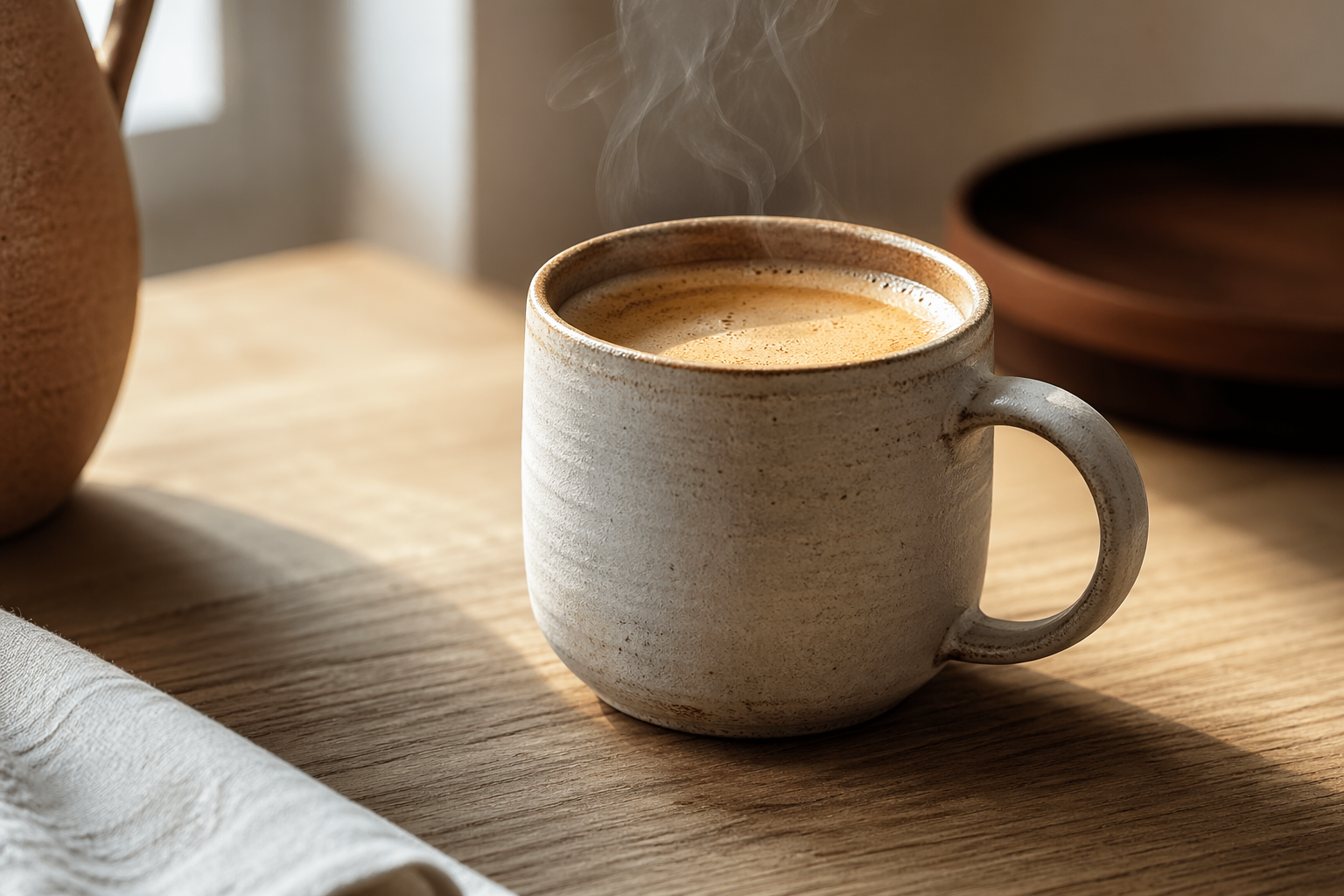
Objective: Create a main visual for the product page of an artisanal ceramic mug, intended for a premium e-commerce site. The mood should be warm, authentic, and clean, in a Kinfolk style.
Here is the full prompt that achieves these kinds of photorealistic advertising visuals in a single generation.
Photorealistic studio product shot of a minimalist ceramic coffee mug, filled with black coffee, with a gentle wisp of steam rising.

// SCENE & COMPOSITION
Shot on an 85mm f/1.8 lens, creating a shallow depth of field. The mug is placed slightly off-center on a light, untreated oak wood surface. The camera angle is at eye-level with the mug.

// LIGHTING
Soft, natural window light coming from the left side, creating gentle, long shadows to the right. No harsh reflections, no flash. The mood is calm and warm.

// STYLE & MATERIALS
The mug is made of matte stoneware with a subtle, visible hand-thrown texture. The color is a warm cream (#F5F0E8). The background is a clean, slightly out-of-focus off-white paper backdrop.

// MOOD & COLOR
Mood: editorial Kinfolk magazine, calm, premium, authentic. Color palette: cream #F5F0E8, warm terracotta tones in the shadows #C87957, deep coffee brown #2E2A26.

// TECHNICAL
Format: 3:2 landscape, ultra-sharp detail, 8k resolution, photorealistic rendering. Negative: no text, no logos, no people, no plastic, no harsh flash, no distracting elements.
Why this prompt works:
85mm f/1.8: Creates a professional background blur that isolates the product.natural window light from the left: Specifies the light source and direction for realistic shadows.matte stoneware with a subtle, visible hand-thrown texture: Describes the material and feel, which is crucial for realism.editorial Kinfolk magazine: Gives a very clear stylistic reference to the AI.Negative: ...: Eliminates the most common errors before they can even appear.
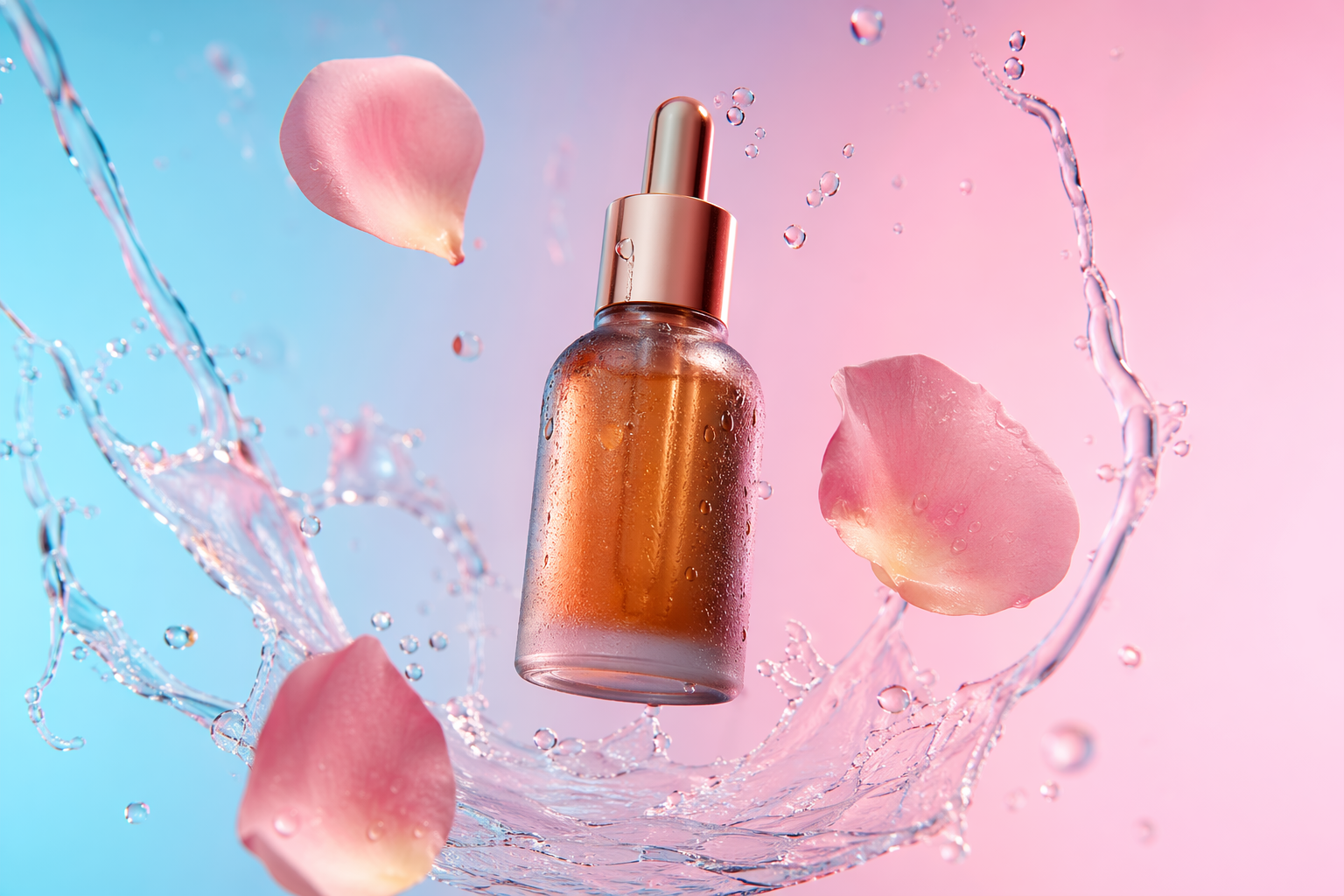
Case Study: Meta Ads / Reel 9:16 Creative with Integrated Text
Objective: Produce a vertical (9:16) creative for an Instagram Reel or Story ad. The visual must be scroll-stopping, include a readable headline, and leave a "safe zone" for the app's UI elements. This is one of GPT-Image 2's major strengths compared to competitors like Midjourney v7.
The challenge is to guide the AI to write text correctly and place it in the right spot.
Ultra-photorealistic ad creative for a new energy drink. A sleek, minimalist aluminum can with a matte cyan finish is the central focus, condensation dripping down its side.

// COMPOSITION & FORMAT
Format 9:16 vertical, perfect for Instagram Stories. The can is positioned in the lower third of the frame, leaving ample negative space in the upper two-thirds. This is the 'safe zone' for text.

// TEXT INTEGRATION
In the top center of the image, display the text "AWAKEN" in a bold, clean, sans-serif font. The text color should be white (#FFFFFF).

// BACKGROUND & LIGHTING
Background is a dark, moody studio setting with a subtle blue-to-pink gradient. Dramatic, cinematic lighting from above highlights the can and the condensation droplets. A subtle lens flare adds energy.

// STYLE & MOOD
Modern, energetic, premium. High-contrast, sharp focus, 8k detail. Inspired by beverage advertising photography.

// NEGATIVES
Negative prompt: blurry text, misspelled words, busy background, cartoonish, ugly, bad lighting.
What's critical here:
Format 9:16 vertical: The very first instruction should be about the format.lower third of the frame... ample negative space: We guide the composition to anticipate adding text or logos.display the text "AWAKEN" in a bold, clean, sans-serif font... color should be white: The text description must be precise: content, style, color, and location. Using quotes around the text to be integrated is a best practice.
This method allows you to create scroll-stopping formats that are ready to use, drastically reducing the creative production cycle.
The 8 Prompting Mistakes That Ruin Quality
Sometimes, the easiest thing is to know what not to do. Here are the most common mistakes that lead to disappointing results.
- 1Prompts are too short: "A red sports car" will never yield a professional result. The AI needs context.
- 2Too many contradictory adjectives: "Minimalist, detailed, colorful, sober" will confuse the AI. Choose a clear art direction.
- 3Vague mood: Terms like "beautiful" or "modern" are subjective. Use concrete references: "Wes Anderson style," "Blade Runner 2049 look."
- 4No negatives: Not using a negative prompt is like leaving the door open to the most common flaws (deformed hands, unreadable text, etc.).
- 5Ignoring resolution and quality: Not specifying
sizeandqualitylets the AI decide for you, often favoring speed over quality. - 6Not talking about light: This is the number one mistake. Without lighting instructions, the result will be flat and artificial.
- 7No framing: The AI doesn't know if you want a tight portrait or a wide shot. Guide it with photographic vocabulary.
- 8Forgetting materials: Without texture descriptions, all objects will look like they're made of smooth plastic. It's the detail that kills the illusion.
Automate Your Workflow: GPT-Image 2 in Market IA
Mastering prompt engineering is a major competitive advantage. But writing these detailed prompts for every single creative can become time-consuming, especially when you need to produce dozens of variations for A/B testing. This is where automation becomes essential to scale production and improve creative performance, as highlighted by Think with Google.
This is precisely the problem we solved with Market IA. Instead of writing these complex prompts by hand, our platform directly integrates the best models on the market, including GPT-Image 2. The process is radically simplified:
- 1You select your model of choice (e.g.,
GPT-Image 2). - 2You provide a short, simple brief: "a can of our lemon drink on a beach at sunset."
- 3You upload your brand kit (logo, colors, fonts).
In the background, Market IA acts as an AI creative director. It takes your simple brief and transforms it into a 15-line professional prompt, automatically injecting the 7 ingredients we just covered: cinematic framing, perfect lighting (golden hour for a beach), realistic textures (condensation, wet sand), negatives, the output format optimized for your channel (e.g., 9:16 for TikTok), and adherence to your brand guidelines.
It's the best way to leverage the power of models like GPT-Image 2 without the steep learning curve of prompt engineering. You can check our comparison of the best AI tools for creatives in 2026 to see how this approach stacks up.
What image size should I use for Meta Ads in 2026? +
How can I add readable text to a GPT-Image 2 image? +
Do I need my own OpenAI API key to use Market IA? +
What's the difference between `quality: high` and `quality: standard`? +
Écrit par
Équipe Market IA
L'équipe Market IA vous accompagne dans la création de publicités performantes grâce à l'intelligence artificielle.
Prêt à créer des publicités qui convertissent ?
Rejoignez +2000 e-commerçants qui utilisent Market IA pour créer leurs visuels publicitaires.